
glcron
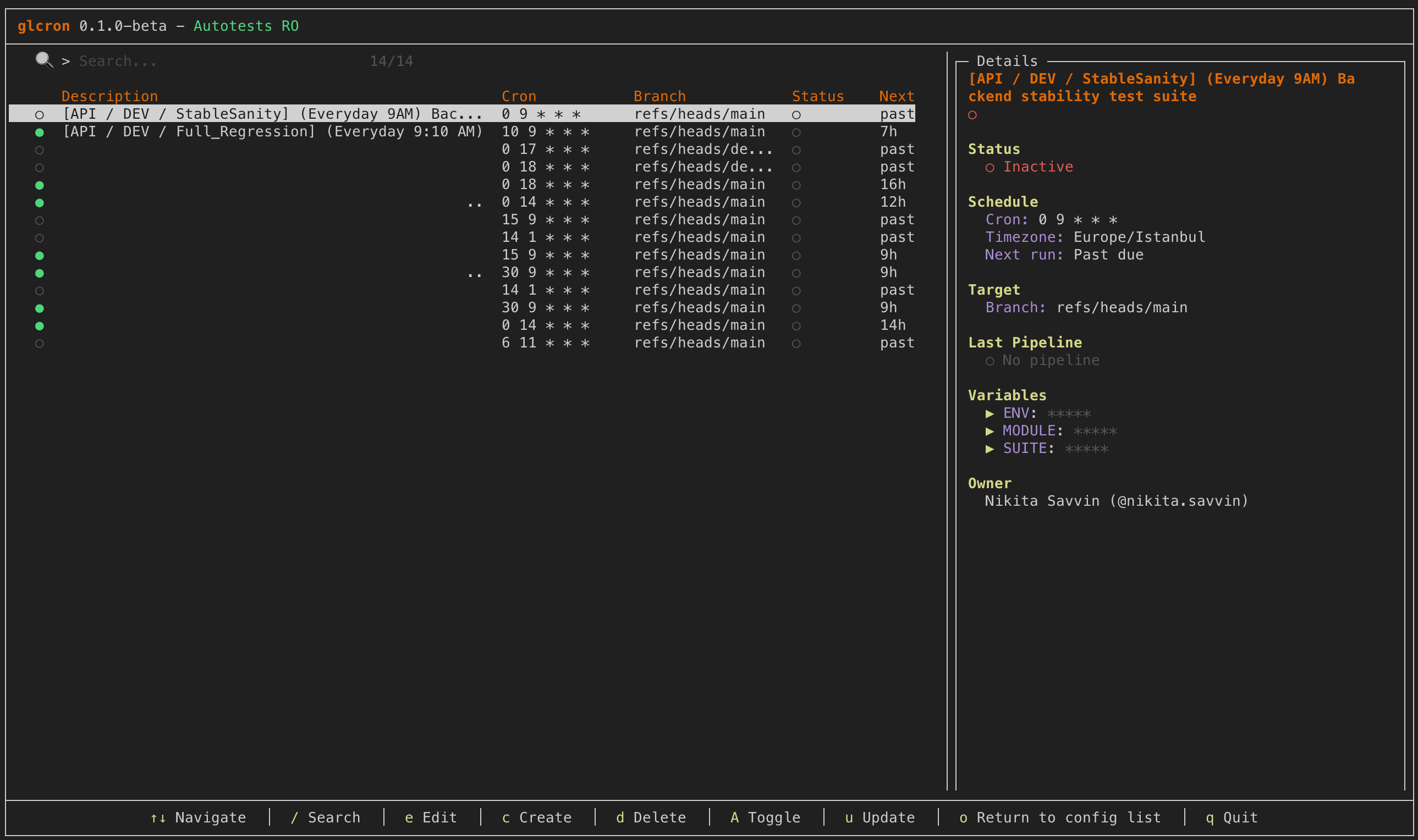
A modern terminal UI for managing GitLab CI/CD Pipeline Schedules. Fast, intuitive, and keyboard-driven.


📦 Installation
🍺 Homebrew (macOS/Linux)
brew install nikitasova/glcron/glcron🐧 Debian/Ubuntu
# Add repository
curl -fsSL https://nikitasova.github.io/glcron/repo/apt/glcron.gpg | sudo gpg --dearmor -o /usr/share/keyrings/glcron.gpg
echo "deb [signed-by=/usr/share/keyrings/glcron.gpg] https://nikitasova.github.io/glcron/repo/apt stable main" | sudo tee /etc/apt/sources.list.d/glcron.list

# Install
sudo apt update && sudo apt install glcron
📥 Direct Download
# Download from GitHub Releases
curl -LO https://github.com/nikitasova/glcron/releases/latest/download/glcron_Linux_x86_64.tar.gz
tar xzf glcron_*.tar.gz
sudo mv glcron /usr/local/bin/✨ Features
Fast & Lightweight
Built with Go for blazing fast performance and minimal resource usage
Beautiful TUI
Modern terminal interface with colors and status indicators
Multi-Project Support
Manage schedules across multiple GitLab projects from one interface
CRUD
Create, read, update, and delete pipeline schedules
Keyboard-Driven
Full keyboard navigation with vim-style bindings
Secure
Tokens stored locally and only